
Last updated November 2, 2026
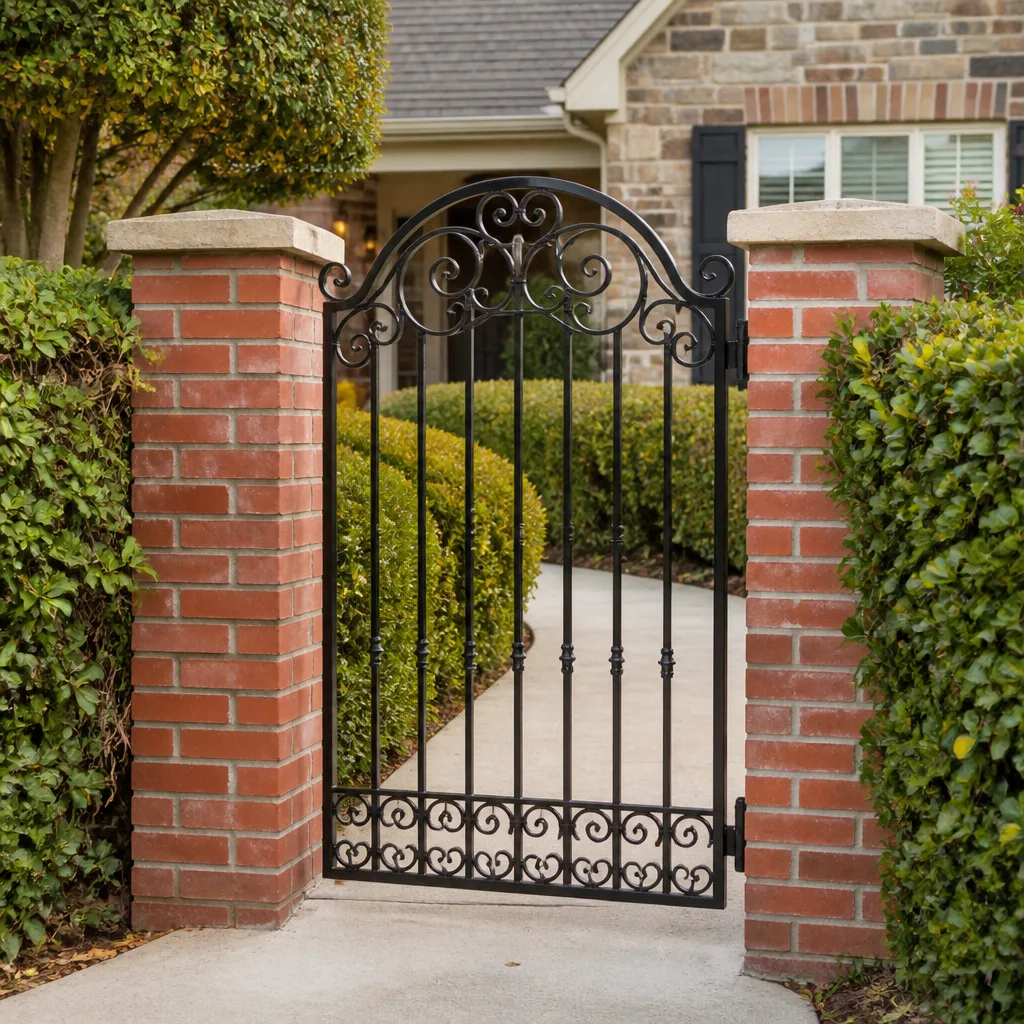 Wrought iron
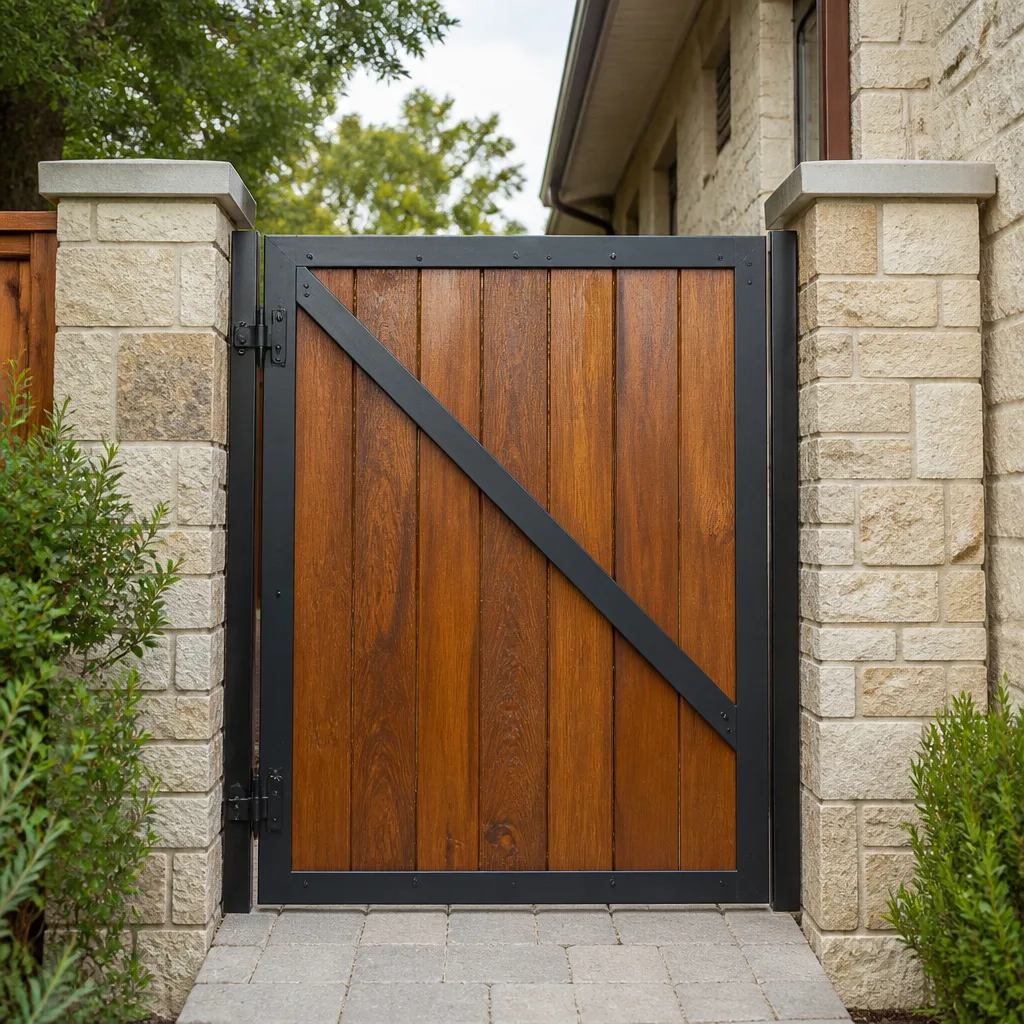 Wood & steel frame
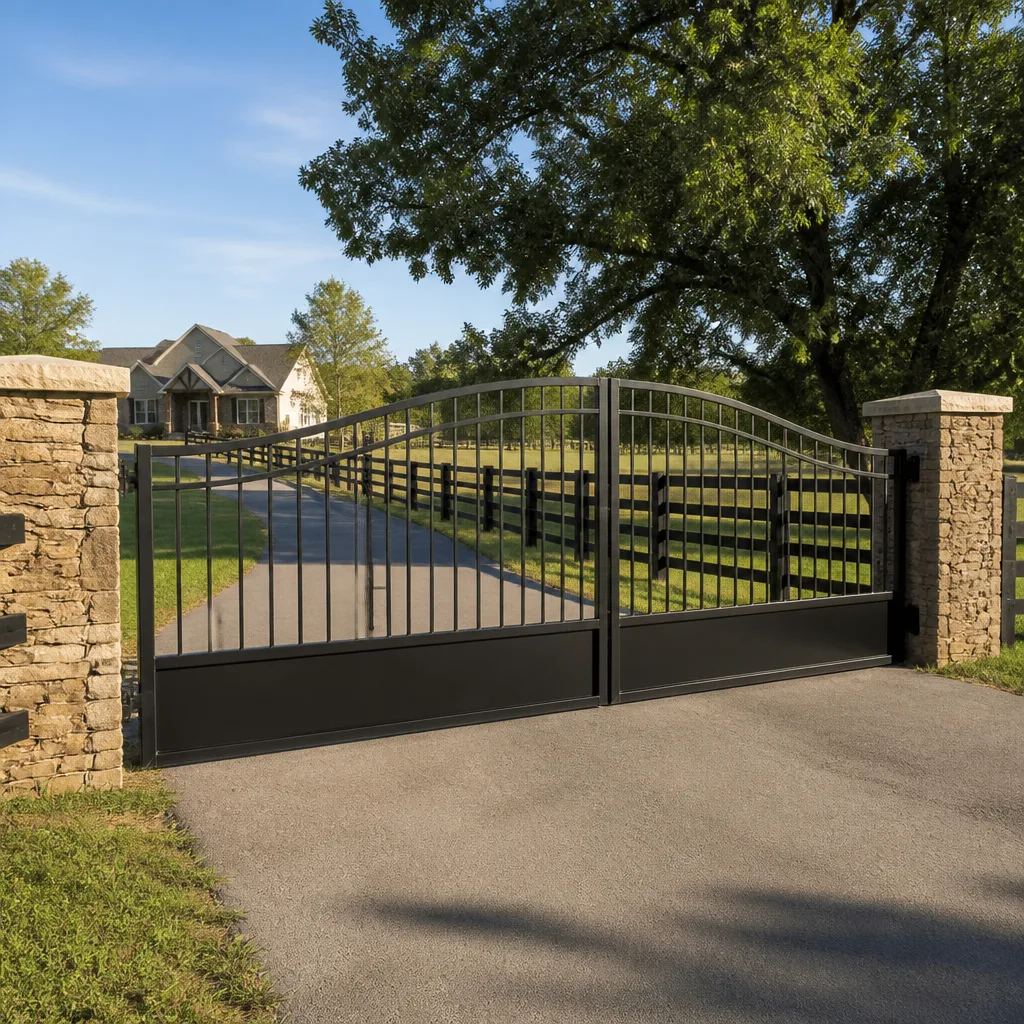 Farm & ranch
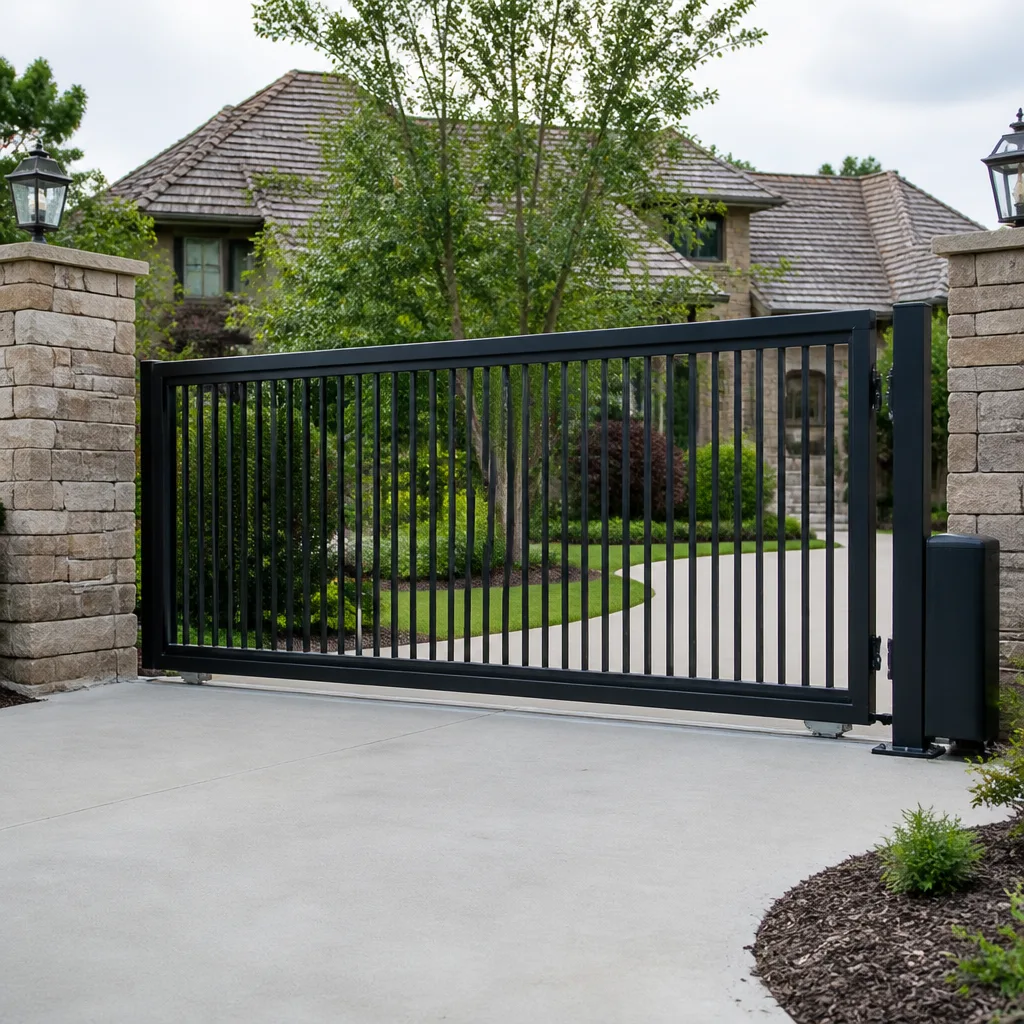 Sliding driveway gates
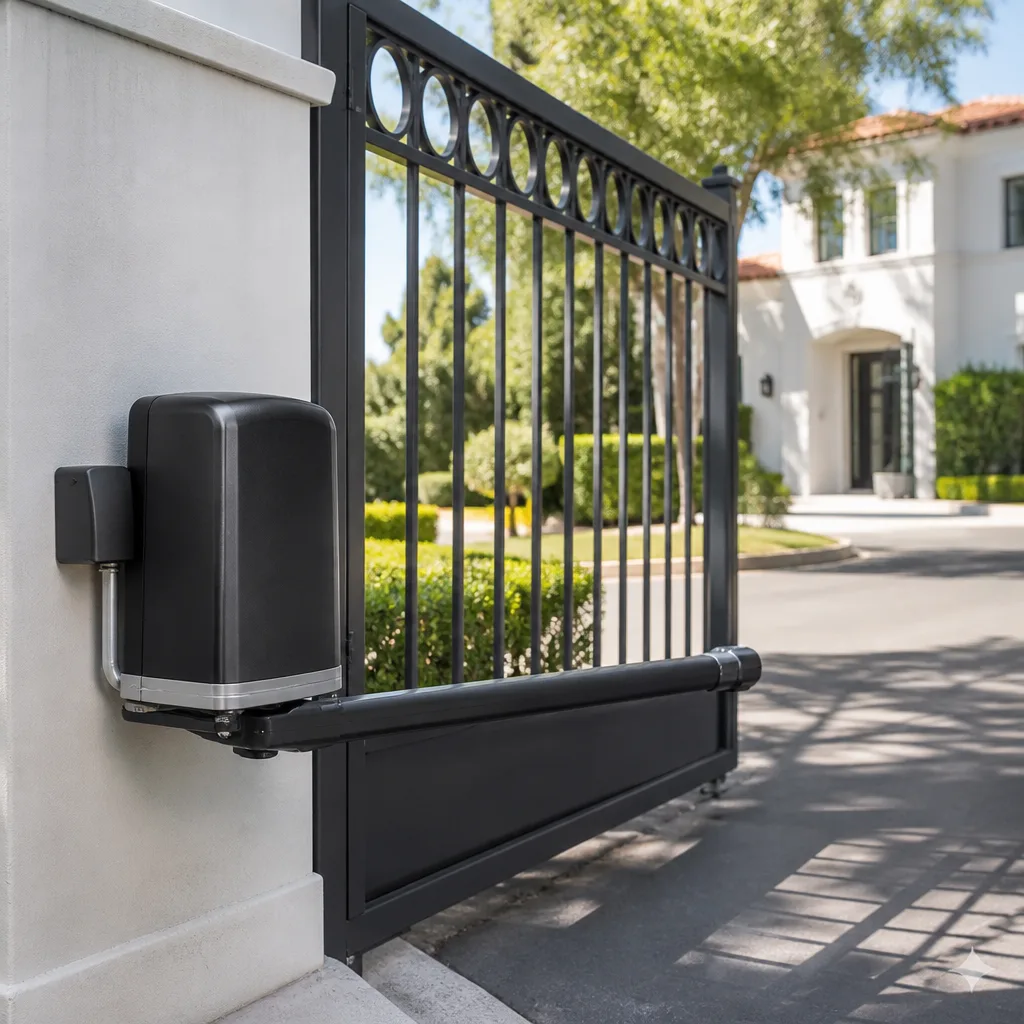 LiftMaster operators
Free on-site gate assessment - hinges, posts, and your LiftMaster or Nice gate operator checked before anything is quoted
The assessment is free and the quote is the invoice.
Get your free estimateGate Repair Troubleshooting: Common Problems and How to Fix Them
A gate that won’t open and a gate that won’t close are often caused by completely different systems failing, but most troubleshooting articles treat them as the same problem with the same fix. That’s the core mistake we see from Montecito Heights homeowners who call us after spending a weekend guessing. This guide gives you the actual logic tree our technicians use to isolate whether a gate failure is electrical, mechanical, or software-driven before a single tool comes out of the truck. You’ll learn what to observe, what to test safely, and what genuinely needs a specialist’s hands.
Styles & brands we work with
- Wrought iron
- Wood & steel frame
- Farm & ranch
- Sliding driveway gates
- LiftMaster operators
Quick Answer
Gate repair troubleshooting starts with identifying which of three systems failed: the power and signal path, the mechanical drive, or the safety sensor loop. Most homeowner-level fixes involve clearing debris from the track, checking breaker power, cleaning photocell lenses, or resetting the operator. Anything involving a motor that hums but won’t move, a control board showing error codes, or wiring that looks burned or chewed should stop at observation and move to a professional call, because those failures carry genuine injury and equipment-damage risk.
Table of Contents
- The Three-System Diagnostic Model: Electrical, Mechanical, or Software
- Symptom-to-Cause Mapping by Brand
- Why “The Remote Stopped Working” Is the Least Useful Symptom
- Safety Sensor Failures: What You Can Clear vs. What Needs a Technician
- How to Safely Release a Gate That’s Stuck Closed
- Track, Hinge, and Rolling Hardware Problems
- How Montecito Heights Climate and Geography Affect Gate Failures
- Repair vs. Replace: Making the Honest Call
- Common Mistakes to Avoid
- When to Call a Professional
- Frequently Asked Questions
- The Bottom Line
The Three-System Diagnostic Model: Electrical, Mechanical, or Software
Every automated gate failure falls into one of three categories. The trick is figuring out which one you’re dealing with before you start replacing parts or adjusting settings. Here’s the framework we use on every service call in Montecito Heights, and it’s the same one you can apply from your driveway.
System One: Power and Signal
This is the electrical layer. It includes the breaker in your panel, the operator’s transformer, the control board, the remote receiver, and every wire connection between them. When a gate is completely dead, no click, no hum, no movement, you’re almost always in this layer. Check the breaker first, then look at the operator’s status light. If the breaker is fine and the operator has no light at all, the problem is inside the operator or its transformer. If the breaker trips immediately when the gate tries to move, that’s a short in the motor or wiring, and that’s a professional diagnosis.
System Two: Mechanical Drive
This is the physical movement system: the motor’s gearbox, the drive arm or chain, the wheels, the track, the hinges, and the gate’s own weight on its posts. When a gate hums but doesn’t move, or moves partway and stops, or scrapes and binds, you’re in this layer. Mechanical failures announce themselves with sound: grinding, clicking, straining, or a motor running with no gate movement at all. These sounds matter because they tell you whether the motor is trying and failing, or whether the motor never got the signal in the first place.
System Three: Software and Safety Logic
This is the control board’s programming and the safety sensor loop. It includes limit settings, force adjustments, photo eye inputs, loop detectors, and any access control integration like a keypad or intercom. When a gate reverses after closing, or stops mid-cycle and reverses, or won’t respond to the remote but works from the keypad, you’re in this layer. Software failures look mechanical because the gate moves, but the root cause is the board’s logic misinterpreting an input.
The diagnostic value of this model is that it eliminates guesswork. A dead operator is System One. A gate that grinds is System Two. A gate that reverses or behaves erratically is usually System Three. Each system has its own fix path, and crossing them wastes time and money.
Symptom-to-Cause Mapping by Brand
Here’s where generic troubleshooting guides fall apart. A mid-cycle stop on a LiftMaster is often a force-sensitivity issue. The same symptom on a FAAC is frequently a limit switch problem. On a Viking, it’s commonly the hydraulic pump losing pressure. The brand matters because each manufacturer engineers its own failure patterns.
Linear and Ghost Controls
Linear operators are common on residential swing and slide gates in the hills around Montecito Heights. The most frequent Linear failure we diagnose is a worn drive belt or chain that causes the operator to work intermittently, especially when temperatures swing. Ghost Controls, a popular DIY-friendly brand, tends to suffer from sensor alignment drift after windy weeks and from control board water intrusion when the housing isn’t sealed properly. Both brands respond well to methodical diagnosis, but the fixes are different.
DoorKing and Viking
DoorKing operators appear most on multi-unit properties and commercial access systems. Their failure pattern is typically in the accessory loop: a keypad that stops talking to the board, or a loop detector that fails after heavy rain. Viking, which builds hydraulic operators, fails differently. A Viking that moves slowly in the morning but fine by afternoon often has low hydraulic fluid or a worn pump seal. These are not homeowner-level fixes, but knowing the pattern helps you describe the symptom accurately when you call.
BFT and FAAC
BFT and FAAC are both Italian brands with strong presence in custom residential gates. BFT control boards are sensitive to power surges, and we see board failures after thunderstorms in the Montecito Heights area. FAAC operators, especially the swing-arm models, develop limit switch drift over time, which manifests as a gate that stops an inch short or overtravels and rebounds. Neither failure responds to a simple remote reprogramming, despite what online forums suggest.
The pattern to remember: when you call a gate company, tell them the brand and the exact symptom in the same sentence. “My FAAC stops mid-cycle” gets you to the right fix faster than “my gate broke.” We diagnose first, which means we listen for the brand-specific clue before touching anything.
Why “The Remote Stopped Working” Is the Least Useful Symptom
It’s the most common phrase we hear on the phone, and it’s also the least diagnostic. A remote that stopped working could mean: dead battery, lost programming, damaged receiver, failed control board, tripped breaker, frozen operator, or a gate that’s actually working fine but the keypad nearby is what the caller actually uses. That’s seven different root causes hiding inside one symptom description.
Before you call, observe these three things:
- Does the gate respond to anything else? Test the keypad, the intercom, the push-button inside the property. If all inputs fail, the problem is not the remote. It’s the operator or its power. If the keypad works but the remote doesn’t, the remote or receiver is the target.
- What does the operator do when you press the remote? Watch the status light on the operator itself. If it blinks or clicks when you press, the receiver is hearing the remote and the problem is downstream. If nothing happens at all, the remote and receiver aren’t communicating.
- When did it stop? Right after a power outage? After a storm? After a car bumped the keypad? Timing tells you whether to suspect programming loss, water damage, or physical impact.
This observation takes thirty seconds and transforms the phone call. Instead of “remote stopped working,” you can say “the keypad works, the remote doesn’t, and the operator light doesn’t blink when I press it.” That sentence alone narrows the problem to the remote or receiver, which is a far cheaper diagnosis than a full system check. Gate repair troubleshooting works best when the symptom is described precisely.
If the remote is dead to the operator but the operator light blinks, a simple reprogramming may fix it. If you have a Linear or Ghost Controls system, the remotes use different programming protocols, and the fix is brand-specific. We work on your brand, and we see enough of each to know the programming steps without a manual.
Safety Sensor Failures: What You Can Clear vs. What Needs a Technician
Safety sensors are the photocells mounted near the gate opening, and they exist to prevent the gate from closing on a vehicle, child, or pet. They fail in predictable ways, and two of those ways are safe for a homeowner to address. The third is not.
What You Can Safely Clear Yourself
- Dirty or blocked lenses. Photocells work by sending an invisible beam from one lens to the other. Dust, spider webs, leaves, or rain splatter block the beam, and the gate refuses to close. Wipe both lenses with a dry cloth. In Montecito Heights, where dry Santa Ana winds kick up dust, we see this failure constantly in the fall.
- Misaligned sensors. If something bumped the sensor housing, a lawnmower, a delivery truck, a kid on a bike, the beam may be aimed slightly off. Most photocell mounts allow gentle rotation. Align the two lenses so they face each other directly. You’ll typically see a small indicator light turn solid when alignment is restored.
What Needs a Technician
If you clean and align the sensors and the gate still won’t close, or the sensor light never comes on at all, the problem is wiring or the sensor itself. Wiring damage under the driveway, a failed sensor element, or a control board that stopped sending power to the sensor loop are all professional-level repairs. The dangerous part is that a failed safety sensor sometimes fails safe, meaning the gate won’t close, which is annoying but safe. But sometimes it fails unsafe, meaning the gate closes without obstruction detection. A gate that closes through the beam path is a serious liability, and it needs immediate attention from a dedicated gate technician, not a handyman who also fixes gates.
Safety edges are the second component in this loop. These are pressure-sensitive strips on the gate edge that reverse the gate on contact. If a safety edge is torn, cracked, or pulled away from the gate frame, the gate can close on whatever is in its path. Replacing a safety edge is straightforward for a technician, but it’s not a DIY job because the edge must be wired into the control board correctly. A miswired safety edge gives false confidence that the gate is protected when it isn’t.
How to Safely Release a Gate That’s Stuck Closed
A gate stuck closed feels like an emergency, especially when a car is trapped in the driveway. Before you do anything, check whether the operator has a manual release. Most do. The release is usually a lever, a key, or a pull-chain on the operator itself. Disengaging it detaches the gate from the motor so you can push the gate manually.
Here’s the safe sequence:
- Cut power first. Flip the breaker or unplug the operator. You don’t want the motor to re-engage while you’re working on the gate. This is the step most people skip, and it’s the one that causes injuries.
- Find the manual release. On LiftMaster and Linear slide operators, it’s typically a red handle or a key release on the side of the unit. On FAAC and BFT swing arms, look for a release lever near the arm’s pivot point. On Viking hydraulic operators, there’s a pressure-release valve, which is a different mechanism, and if you’re not certain, call before turning anything.
- Disengage and push slowly. The gate should move with steady pressure. If it doesn’t move, do not force it. A gate that won’t move manually has a physical obstruction or a failed bearing, and forcing it bends the arm, snaps a hinge, or drags the gate off its track.
- Re-engage when power is restored. Move the gate back to the position it was in, re-engage the release, and restore power. The operator should re-sync automatically. If it doesn’t, it may need a limit reset.
A note on warranty: manual release is a designed function, so using it correctly doesn’t void the operator warranty. But forcing a gate that’s fighting you absolutely can. If the gate won’t move by hand after release, stop and call. We’ve repaired enough bent arms and snapped chains from forced manual releases to know this is where good intentions get expensive.
For a broader look at what repair work involves in our area, see our Gate Repair in Montecito Heights page. Electric-system failures are covered in depth on our Electric Gate Repair in Montecito Heights page, and if the diagnosis points toward replacement, our Gate Installation in Montecito Heights page explains the process.
Track, Hinge, and Rolling Hardware Problems
Slide gates live or die by their track. Swing gates live or die by their hinges. Both are mechanical systems that wear predictably and announce their wear through sound and movement irregularities.
Slide Gate Track Problems
A slide gate that shudders, stops midway, or makes a rhythmic thumping sound usually has a track problem. In Montecito Heights, our hillside properties send fine silt and decomposed granite onto gate tracks during rains. The track fills with debris, the wheels grind through it, and the gate binds. Regular clearing of the track channel keeps the gate moving, but if the gate
has been binding for weeks, the wheels themselves may have flat spots. A flat-spotted wheel thumps on every revolution and gets worse quickly. Wheel replacement is a standard repair, but it requires lifting the gate off its track safely, which is a two-person job with proper equipment.
Swing Gate Hinge Problems
Swing gates sag over time. The hinge posts settle, the hinges wear, and the gate begins to scrape the ground at the latch end. You’ll see a clean scrape mark on the concrete or asphalt where the gate drags. Sometimes the fix is hinge replacement. Sometimes the post itself needs resetting in fresh concrete. The giveaway for a post problem is a gate that’s visibly tilted even when fully closed. Hinge replacement on a heavy gate involves supporting the gate’s full weight while the hinge is removed, and a gate that weighs 400 pounds deserves respect and proper lifting equipment.
Rolling Hardware on Cantilever Gates
Cantilever gates ride on rollers inside a frame and don’t touch the ground. The rollers are what wear. You’ll hear a squealing or grinding that gets louder over weeks. Greasing the rollers may quiet them temporarily, but once a roller bearing is gone, the fix is replacement. Cantilever systems are common on wider commercial openings, and the same company that fixes a homeowner’s Mighty Mule also services a property manager’s DoorKing access-control system, so the hardware range runs from light residential to full commercial.
How Montecito Heights Climate and Geography Affect Gate Failures
Montecito Heights sits on hills above the Los Angeles basin, which means two weather patterns dominate: dry, dusty Santa Ana winds in the fall and heavy rain events in the winter. Both create specific gate failure patterns we see year after year.
The Santa Ana winds drive fine dust into every opening. Photocell lenses cloud over. Control board enclosures fill with grit. Chain drives collect a dusty paste that accelerates wear. A gate that works fine all summer may suddenly refuse to close in October, and the cause is usually a beam blocked by dust or a limit switch coated in grit. This is the season when the most common repair we perform in Montecito Heights is sensor cleaning and limit switch service on brands like LiftMaster and Ghost Controls.
The winter rains bring a different set of problems. Water follows the low spots and finds the control board. Underground loop detectors short out when their conduit fills with water. Slide gate tracks wash full of silt from the hillsides. Swing gate posts shift in saturated soil, changing the gate’s angle and making it bind at the latch. We’ve seen properties in the hills where a winter of heavy rain created post movement of half an inch, which is enough to stop a gate from closing properly. These are Montecito Heights-specific patterns, not generic gate problems, and they’re why local diagnosis matters.
Heat also plays a role. Summer temperatures in the hills push operators into thermal overload, especially dark-colored control boxes in direct sun. An operator that works in the morning and quits at 2 PM is often overheating, and the fix is shade, ventilation, or relocation of the board, not a new motor. Knowing the local weather pattern cuts the diagnosis time dramatically.
Repair vs. Replace: Making the Honest Call
Every gate reaches a decision point where continuing to repair no longer makes sense. The honest call depends on three factors: the age of the operator, the cost of the failure, and the condition of the gate itself.
A ten-year-old operator with a failed control board is usually a replacement candidate. The board is the brain, and once it goes, other components are often close behind. A five-year-old operator with a failed capacitor or a worn belt is a straightforward repair. The difference is lifespan math, and we’re honest about it because our business is gate repair and installation, not replacement pushing. We’re brand-agnostic, which means we service what you have rather than pushing replacement with a preferred brand. That gives us the freedom to tell you when repair is genuinely the better call.
Sometimes the gate hardware itself is the deciding factor. A rusted, sagging gate on a new operator is wasted money. A solid gate with a dead operator is a simple upgrade. We help property managers and homeowners walk through this calculus, and we quote both options when the situation is borderline. The price is quoted and agreed before any work starts, every time.
See the full picture on our Lighthouse Gate Repair home page for how our three core services fit together.
Common Mistakes to Avoid
- Replacing the battery before observing the symptom. A dead battery produces a specific pattern: the remote works only at very close range or not at all. If the gate also fails from the keypad, the battery isn’t the problem. Observing first saves time and money.
- Forcing a gate that won’t move manually. After disengaging the operator, a gate should move with steady pressure. If it doesn’t, forcing it bends arms, snaps hinges, and drags gates off tracks. This is the most expensive homeowner mistake we see in Montecito Heights.
- Reprogramming the remote to fix a sensor problem. When a gate refuses to close, the cause is usually a blocked photocell or a misaligned sensor, not lost remote programming. Reprogramming the remote doesn’t fix the sensor loop, and now the remote is also out of sync.
- Ignoring warning sounds. A gate that grinds, squeals, or hums for weeks before failing was signaling the whole time. Early attention to unusual sounds catches wheel, hinge, and motor problems before they become full failures.
- Using WD-40 on hinges and rollers. WD-40 is a solvent, not a lubricant. It washes out whatever grease is there and leaves the metal dry. Use lithium grease for hinges and a proper roller lubricant for bearings.
- Adjusting force settings to compensate for a mechanical bind. Cranking the force dial on a Linear or LiftMaster operator so it powers through a binding gate is a shortcut that burns out motors and creates a dangerous pinch hazard. The bind is the problem, not the force setting.
- Running the gate on a generator without surge protection. Power outages in the hills lead some Montecito Heights homeowners to plug operators into portable generators. Without a proper surge protector, the uneven power fries control boards on brands like BFT and Viking. This is a board replacement that didn’t need to happen.
When to Call a Professional
Some gate problems resolve with cleaning, alignment, and observation. Others don’t. A gate that hums but won’t move, a control board showing error codes, any wiring that looks burned, melted, or chewed by rodents, a gate that closes through the safety beam, a gate that sparks or smells like burning, or any problem involving the motor itself requires a specialist. These failures carry genuine injury and equipment-damage risk, and the cost of a professional diagnosis is less than the cost of a poorly timed guess. Lighthouse Gate Repair offers free estimates in Montecito Heights, call (866) 569-5320 and we’ll diagnose first and quote the price before any work starts.
Frequently Asked Questions
Gate repair in Montecito Heights typically ranges from $150 to $450 for common fixes like sensor cleaning, remote reprogramming, hinge adjustment, and limit switch resets, while control board replacements and motor rebuilds run higher depending on the brand and system. The exact price depends on what failed and which operator you have. Call (866) 569-5320 for a free estimate, and the price is quoted and agreed before any work begins.
For gate repair issues like a stuck-closed gate, a dead operator, or a tripped breaker, same-day service in Montecito Heights is often available. Emergency and urgent repair calls take priority in the schedule. For installation work or custom parts ordering, the timeline is longer because the work is measured, ordered, and scheduled. Call (866) 569-5320 to find out what today’s schedule allows.
A gate that opens but won’t close is almost always a safety sensor problem, specifically a blocked or misaligned photocell or a failed safety edge. The gate’s control board interprets the blocked beam as an obstruction and refuses to close. Clean both lenses and check alignment first, if the gate still won’t close, the sensor or wiring needs a technician’s attention.
We work on LiftMaster, FAAC, BFT, Linear, Viking, Ghost Controls, DoorKing, Elite, and Mighty Mule. That covers budget residential openers through high-security commercial systems. We’re brand-agnostic, so we diagnose and repair what’s already on your property rather than steering you toward a replacement from a brand we’d prefer to sell.
Some fixes are genuinely homeowner-level: clearing track debris, cleaning photocell lenses, checking the breaker, and replacing remote batteries. Anything involving the motor, control board, wiring, or heavy gate hardware should go to a specialist. Gates weigh hundreds of pounds and operators run on line voltage, the two biggest risks are pinch injuries and electrical shock.
Gate repair addresses mechanical problems: hinges, wheels, tracks, chains, and the gate’s physical structure. Electric gate repair addresses the electrical and electronic systems: motors, control boards, sensors, remotes, keypads, and wiring. Our electric gate repair in Montecito Heights service covers the electrical side, while general gate repair handles the mechanical side. Many failures involve both, which is why we assess the whole system on every call.
The Bottom Line
Gate troubleshooting isn’t guesswork when you approach it with the right framework. Identify which system failed, electrical, mechanical, or software, and you’ve already narrowed the fix dramatically. Observe the exact symptom, note the brand, and check what responds before you touch anything. Handle the safe, simple fixes yourself: cleaning lenses, clearing tracks, checking breakers. Leave the motor, the control board, the wiring, and the heavy hardware to a specialist who does this every day. For Montecito Heights gate problems of any size, call Lighthouse Gate Repair at (866) 569-5320, we diagnose first, quote before we work, and get your gate back in working order.
Written by the team at Lighthouse Gate Repair, serving Montecito Heights since 2018.
See the difference
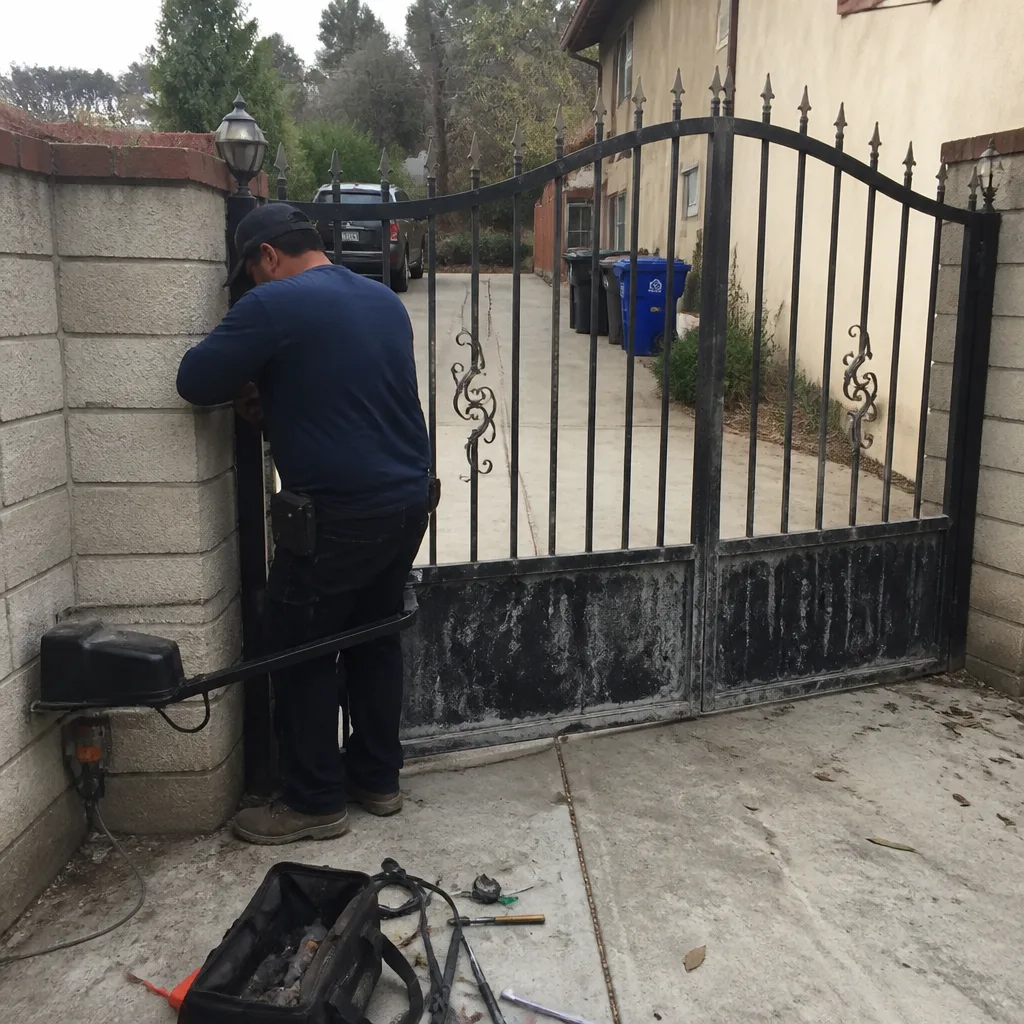 Before
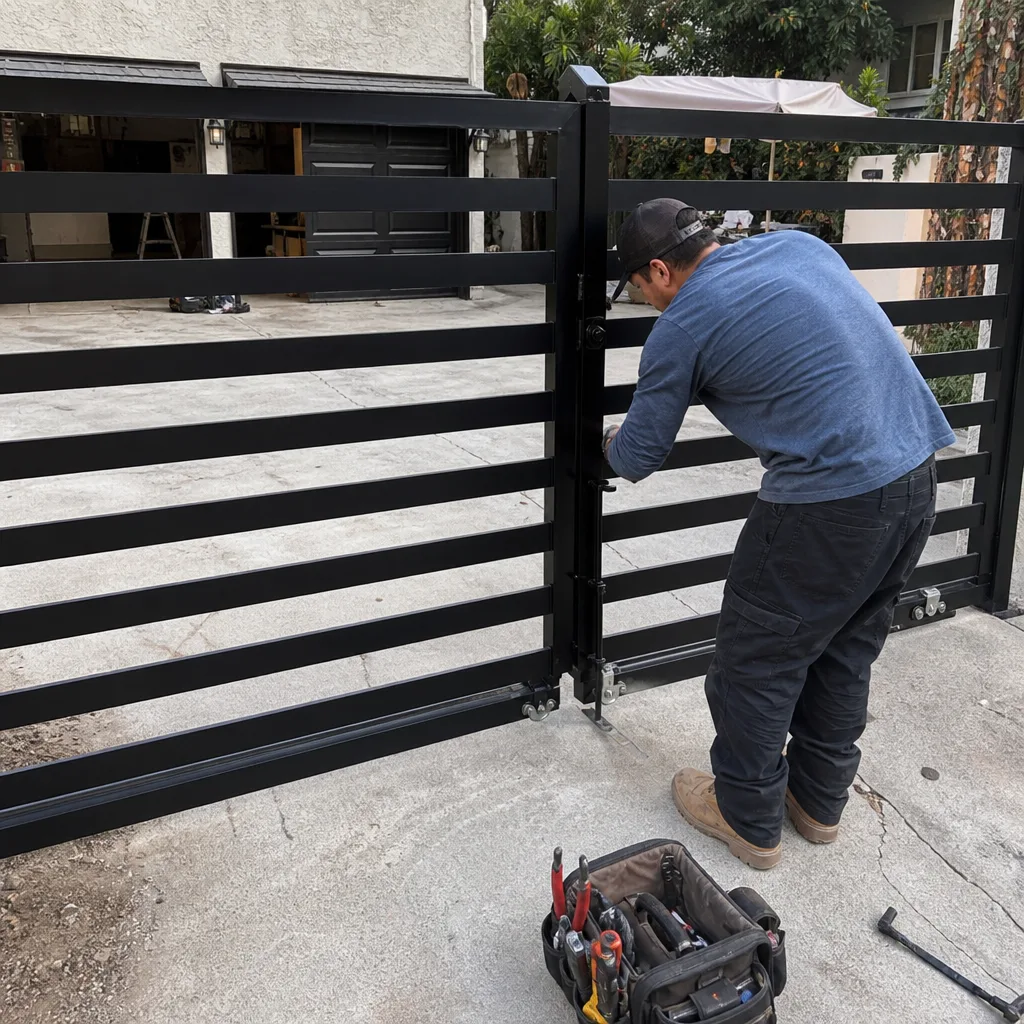 After
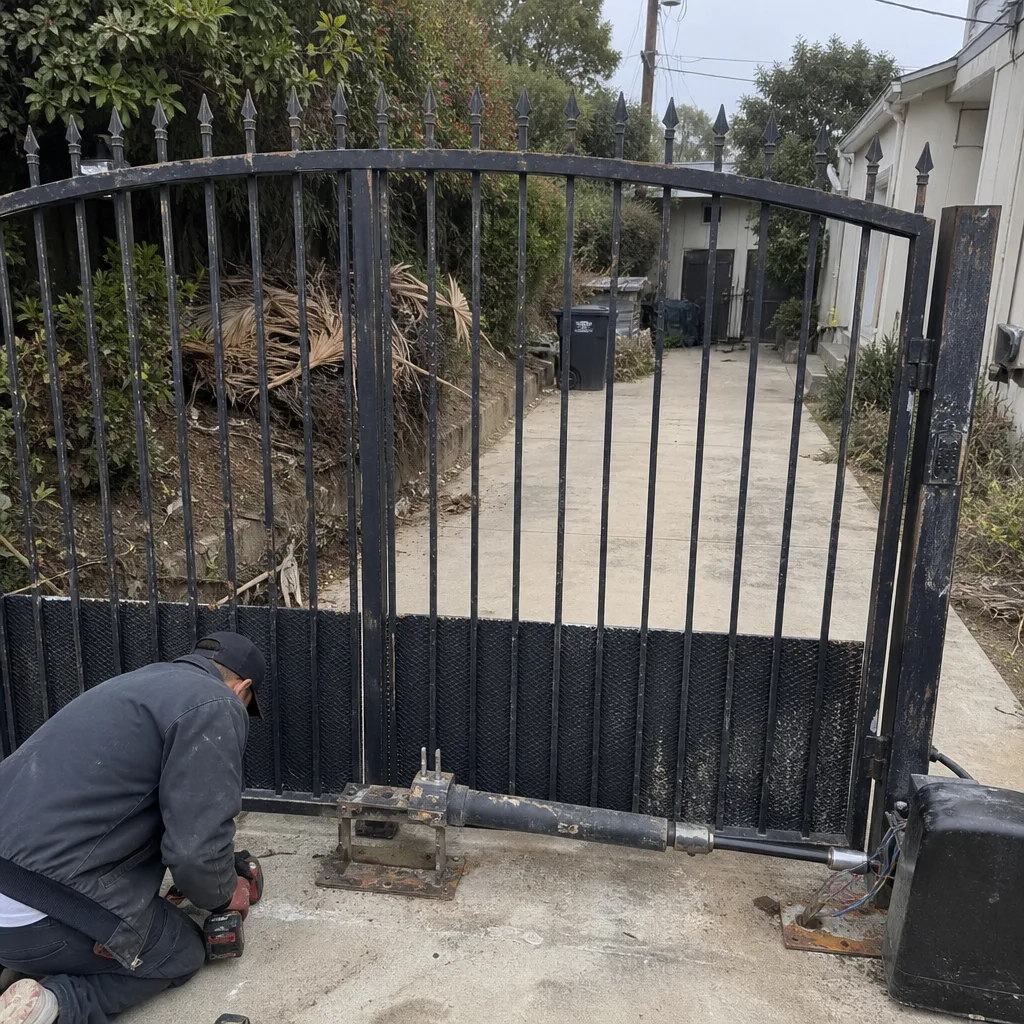 Before
 After
 Before
 After